Isambard 3 Practical Workshop

Isambard 3 Practical Workshop
Hands-on introduction to Tier-2 CPU
supercomputing on Isambard 3

Presenter name - Team/Unit - Date

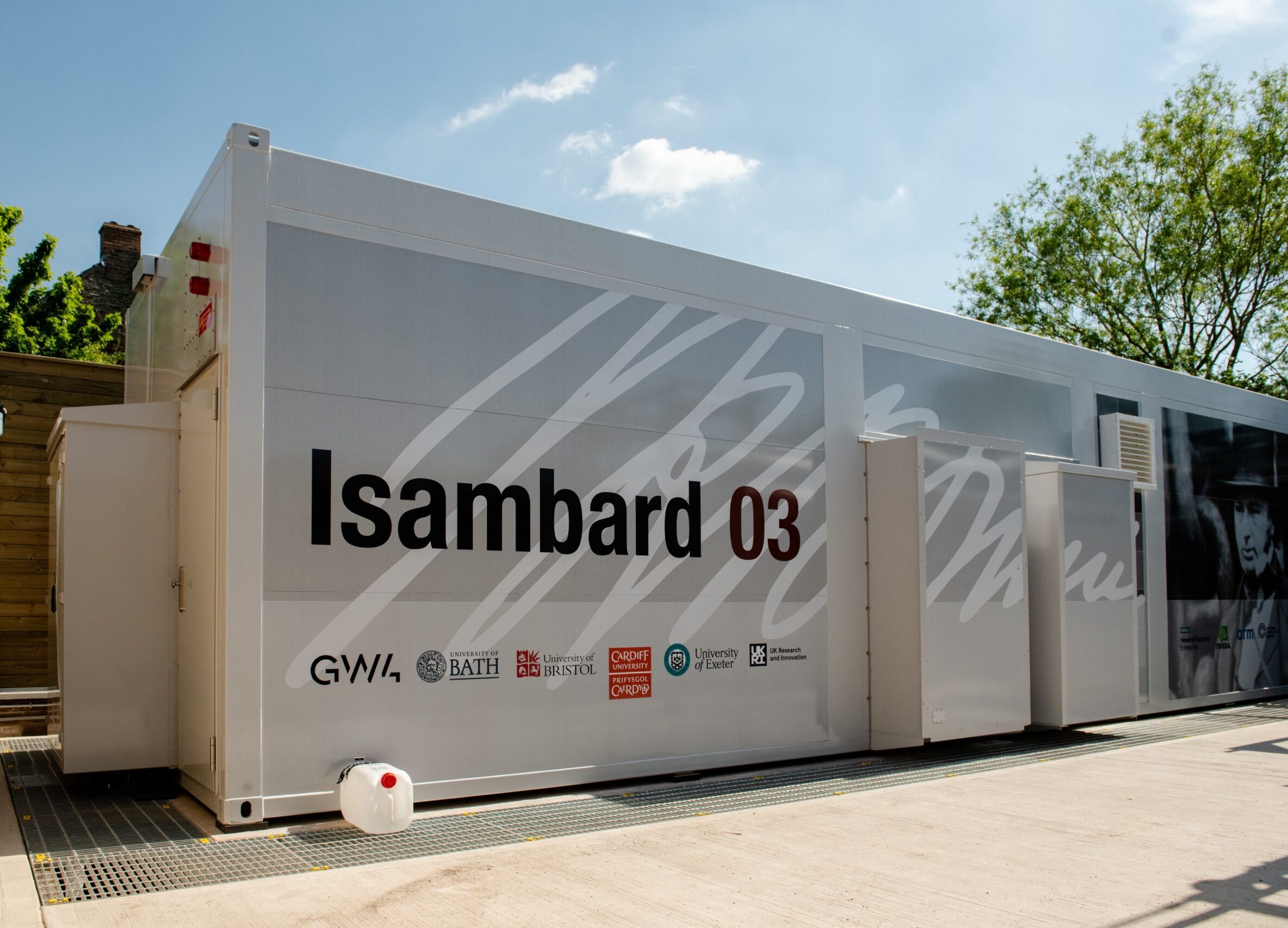
Isambard 3 in one slide
Operated by the GW4 partnership; hosted by the University of Bristol.
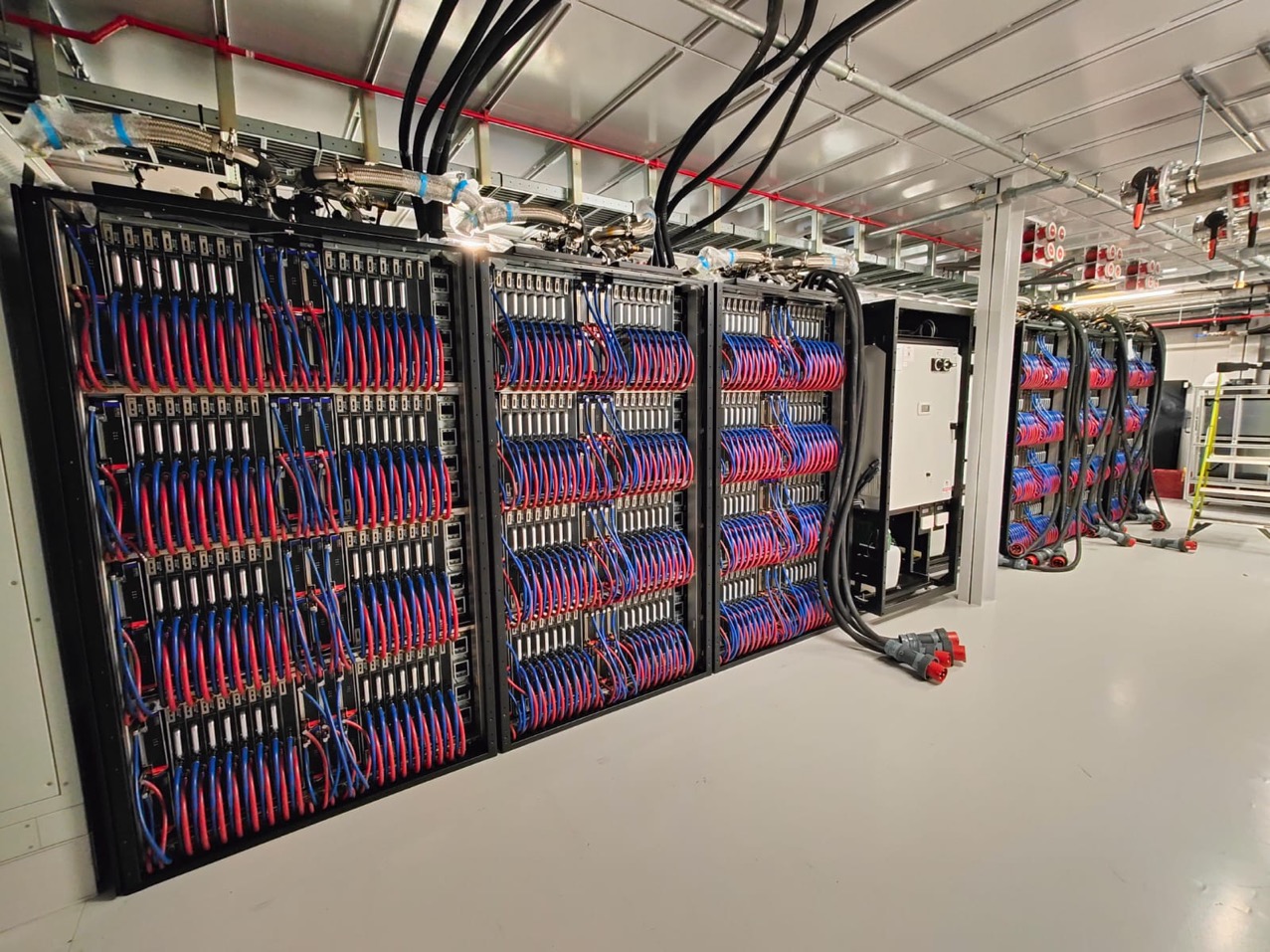
384 nodes based on NVIDIA Grace CPU Superchips (ARM aarch64).
Per node: 144 CPU cores, 240 GB memory, 200 Gbps Slingshot 11 network.
Self-service software model: build your own stack (Spack / Conda / containers).
| Detail | Value |
|---|---|
| Nodes | 384 |
| CPU | NVIDIA Grace CPU Superchip (Arm/aarch64) |
| Cores per node | 144 |
| Memory per node | 240 GB |
| Interconnect | 200 Gbps Slingshot 11 |
| Scheduler | Slurm |
| Software model | Self-service: modules, Spack, Conda, containers |
ARM compatibility in practice
Languages: Python, R, C, C++, Fortran, Julia, and Java all run natively on ARM.
Package managers: conda-forge and pip have extensive aarch64 builds. Spack builds from source and supports ARM out of the box.
Containers: Multi-arch Docker/Apptainer images work directly. You can also build ARM-native containers on the system.
Common HPC libraries: MPI (OpenMPI, MPICH), OpenBLAS, FFTW, HDF5, NetCDF, and PETSc all build cleanly on aarch64.
What might not work: Pre-compiled x86_64-only binaries, or niche libraries without ARM support. If unsure, ask us — we can do a quick check.
Getting help
Workshop helpers are circulating — raise a hand any time.
After the workshop: isambard-support@exeter.ac.uk